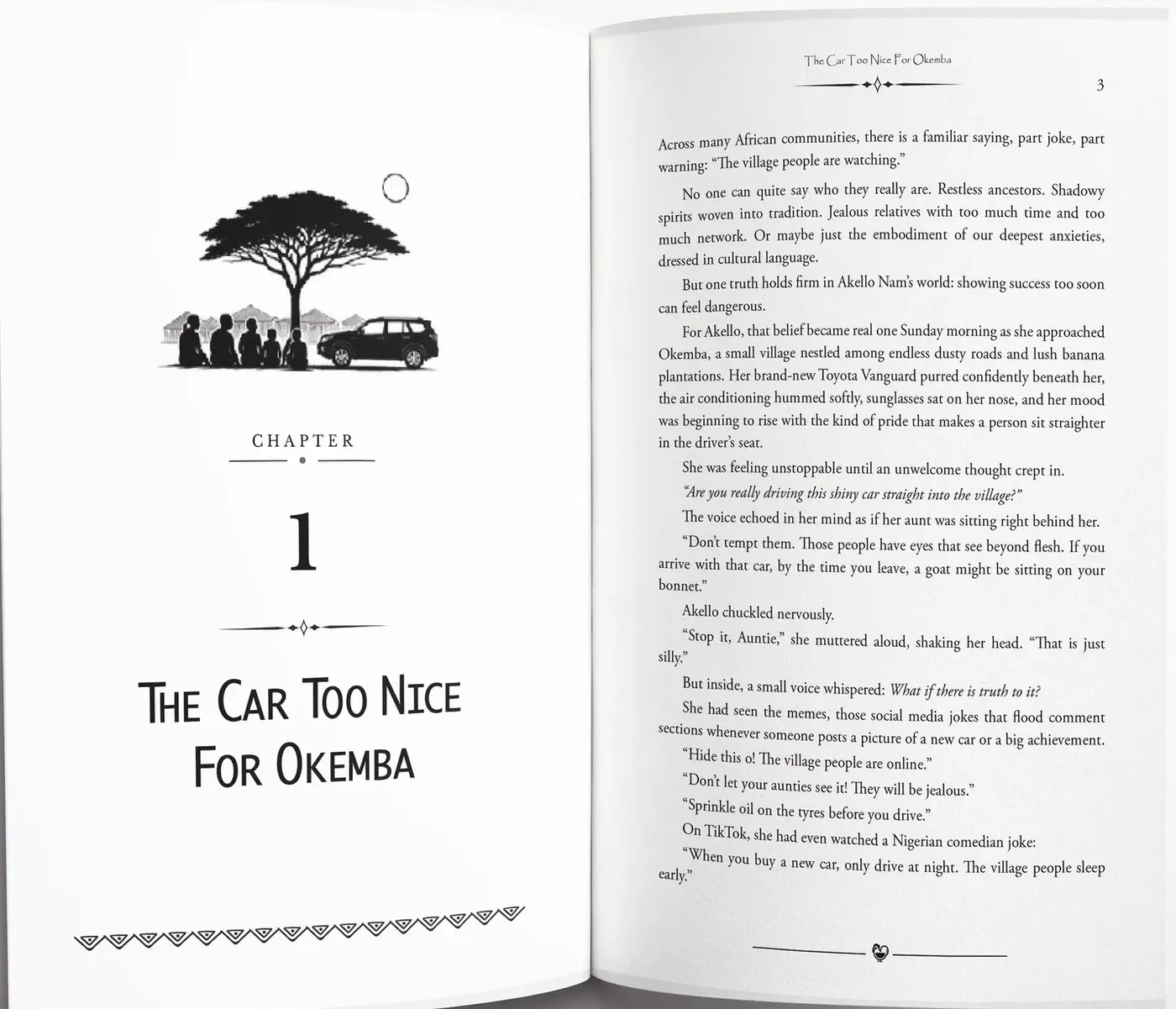
Amazon KDP formatting for print and Kindle
TintaPress prepares paperback, hardcover and Kindle files for Amazon KDP and helps you through the upload for 30 days after delivery.
What goes wrong first
These are the reasons authors bring this work to us.
- Formatting sounds simple until you try to make a print-ready fileThen it is trim sizes, margins and gutter, bleed, and fonts that have to embed correctly.
- The previewer shows something your file does notPage breaks and pictures move when a Word file is converted.
- The cover does not fit the spineSpine width depends on the final page count.
What Amazon KDP checks
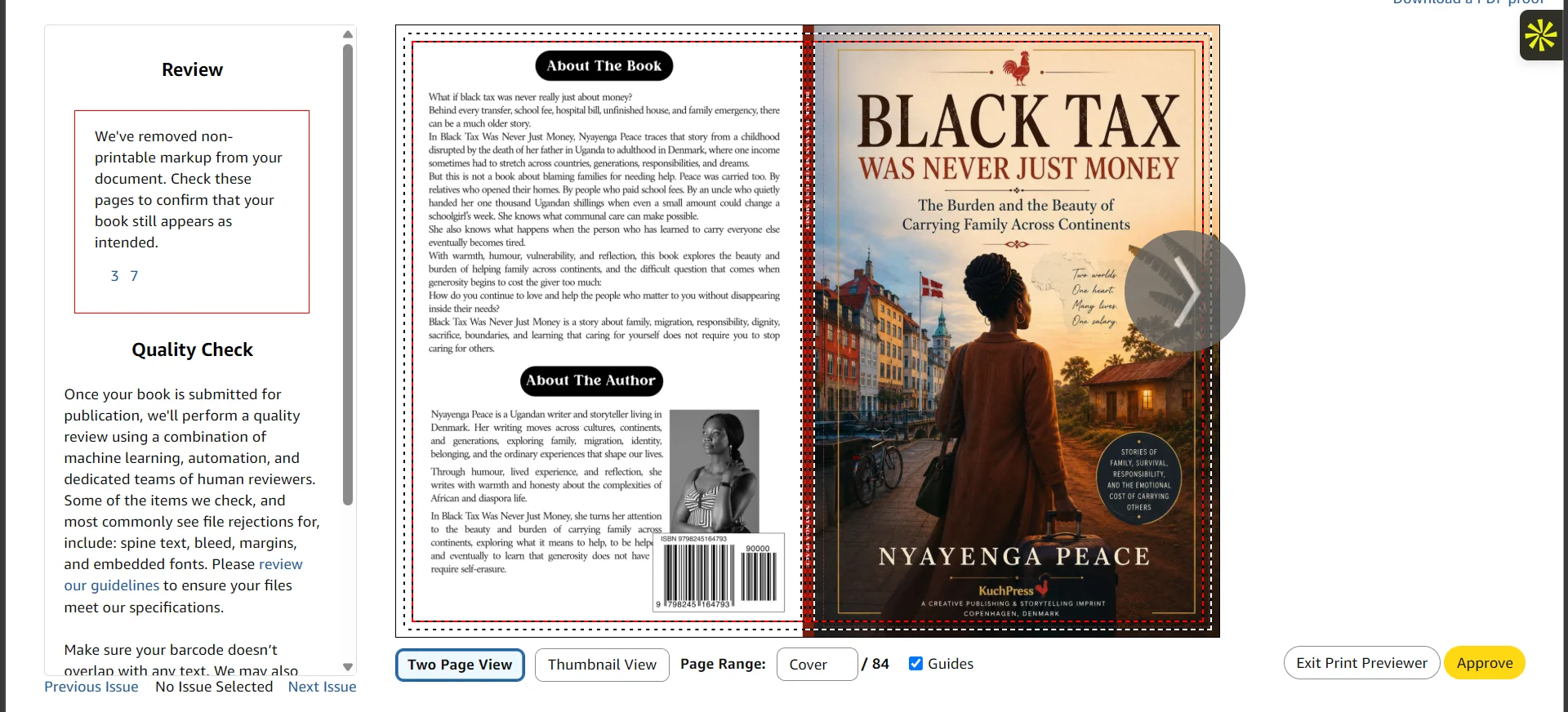
KDP checks the file before a book can be published. The usual causes of a rejection are margins too small for the page count, a picture that needs bleed and has none, and fonts that are not embedded. We build the file to KDP’s published requirements, so those are settled before you upload.
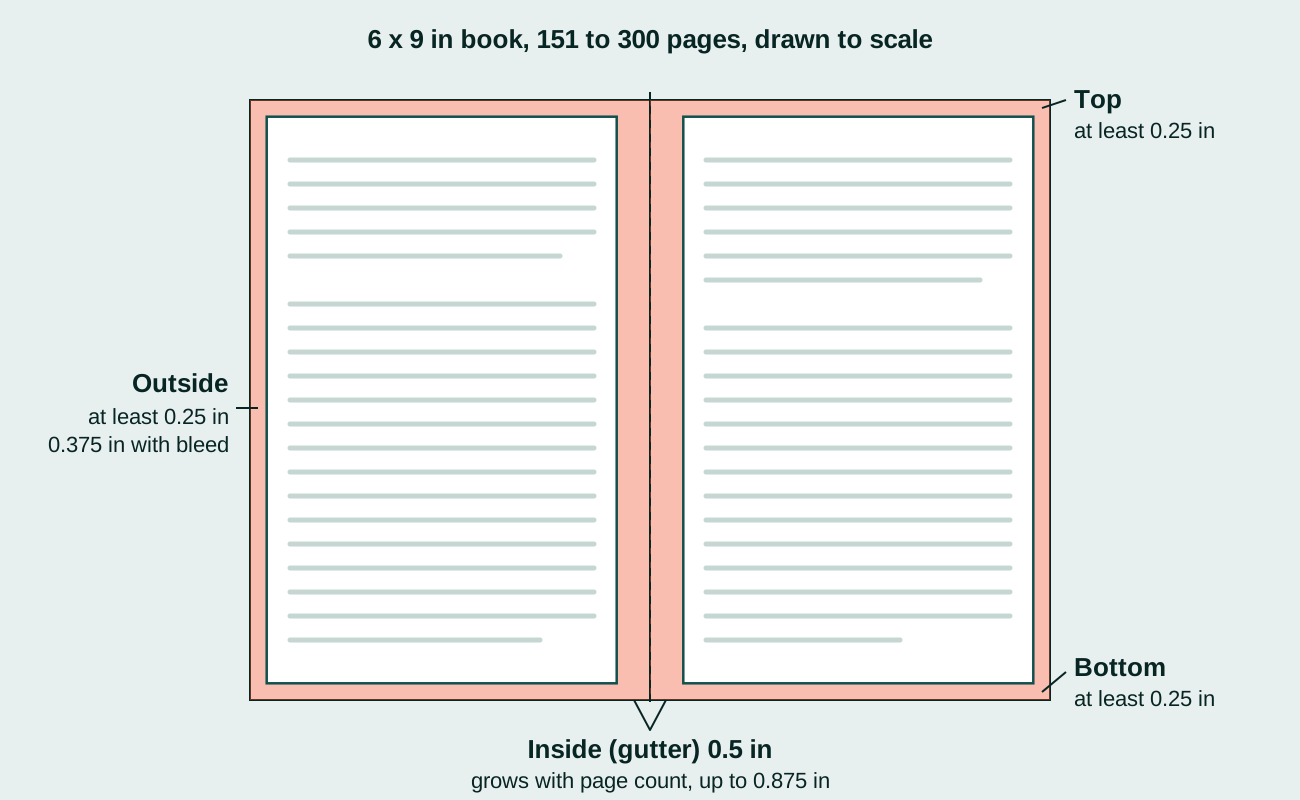
A few specifics we work to. KDP needs at least 79 pages to print spine text. Bleed is 0.125 inch. Spine width depends on the page count and the paper type, so if the page count changes, the cover file changes too. KDP’s own help pages are the final word on all of this, and they change.
Trim size, book margins and gutter are chosen before the first page is set. A paperback also needs a cover on KDP’s cover template, sized from the final page count, so the interior and the cover are finished together. The exported print-ready PDF is checked against KDP’s rules before you upload it.
25+ titles formatted and live, with zero upload rejections. If you want to see your pages first, send your manuscript.
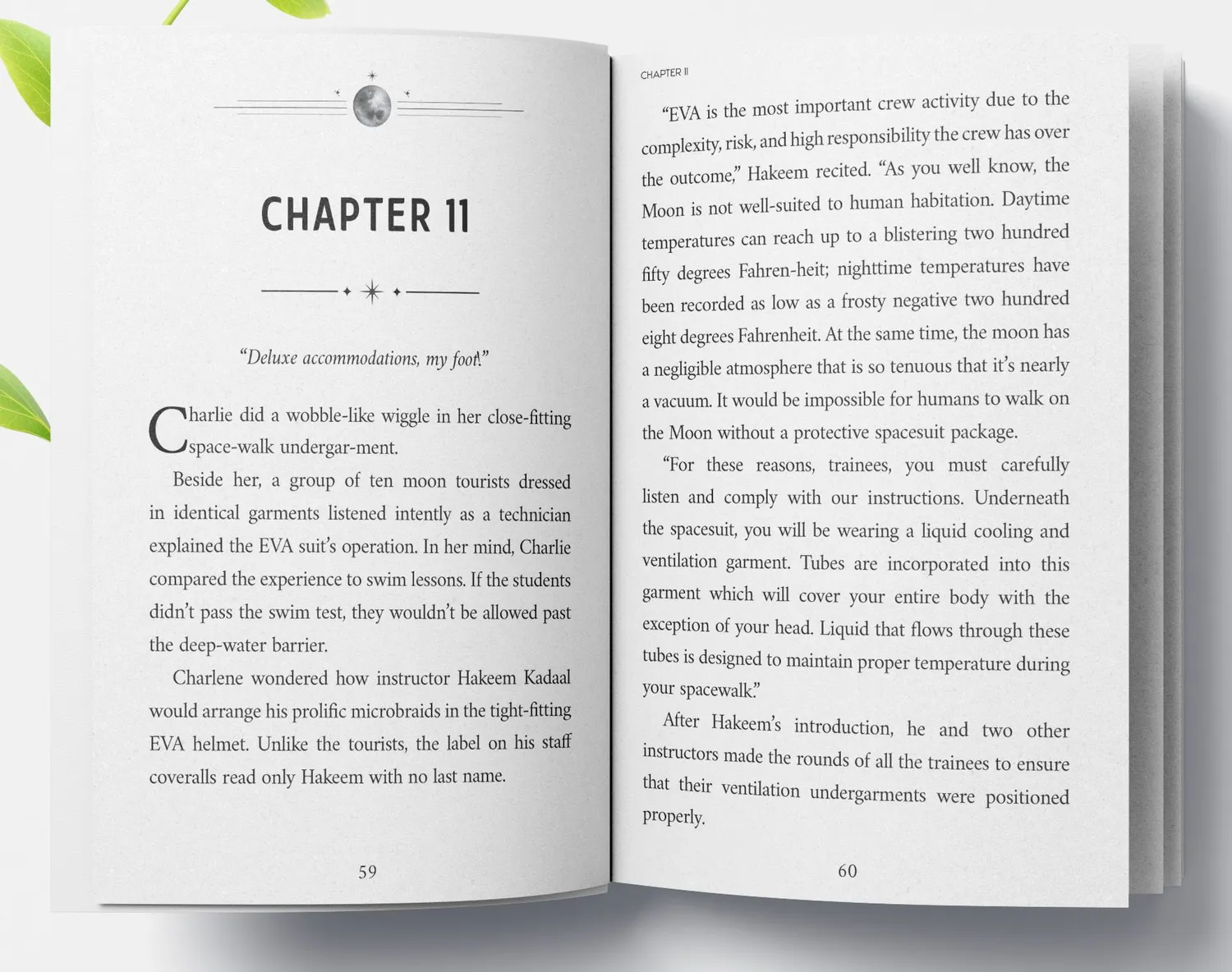
On our screen
A real screenshot from a book we worked on, not a mockup.
KDP Print Previewer
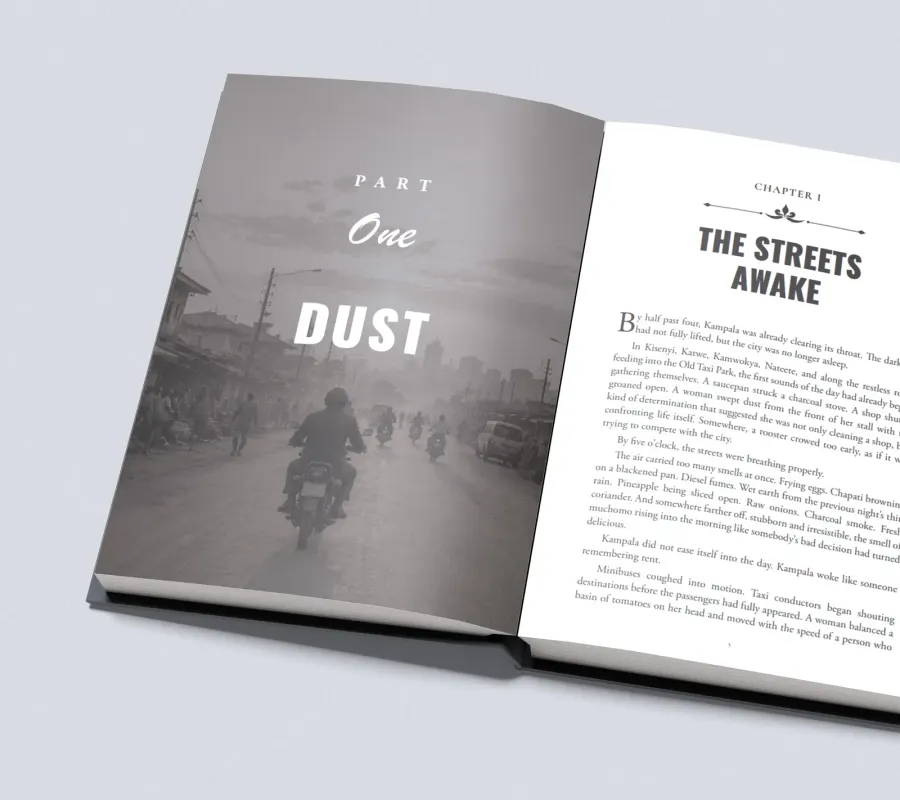
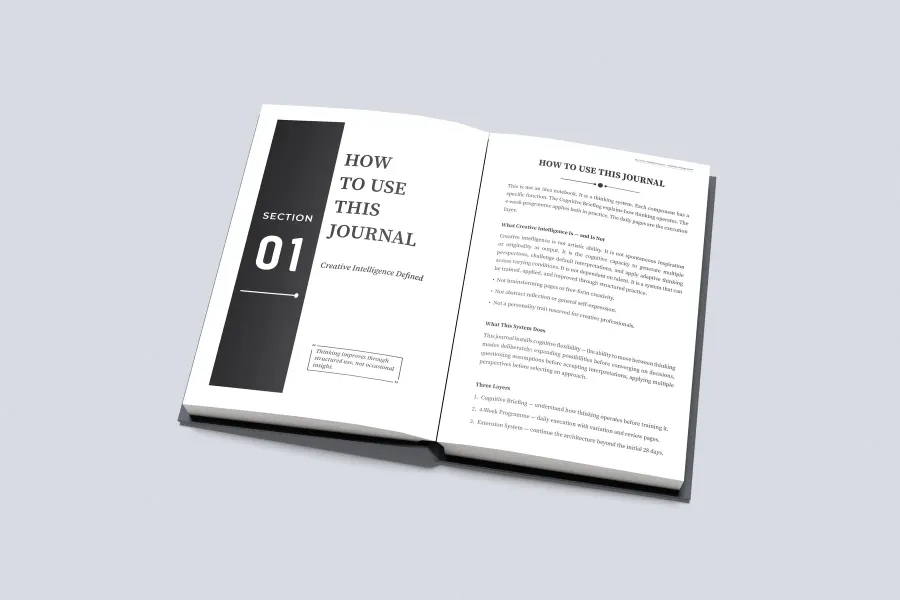
More pages we have set
Real pages from books we have typeset in Adobe InDesign.
What you receive
- Paperback and hardcover interiors at your trim size
- A Kindle edition made from the typeset book
- A cover with the spine width calculated for the final page count, when we design the cover too
- Guidance through the upload
- Help with upload errors and small corrections for 30 days
The numbers, drawn out
A diagram from our guide, using KDP’s own figures.
“…helped my book get approved on Amazon KDP on the first upload. No errors.”
Scott, author
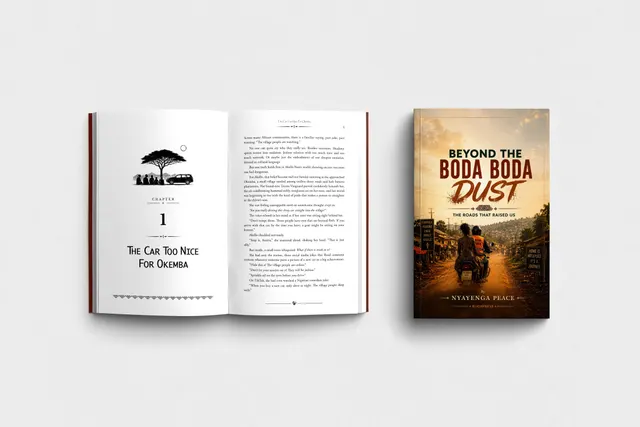
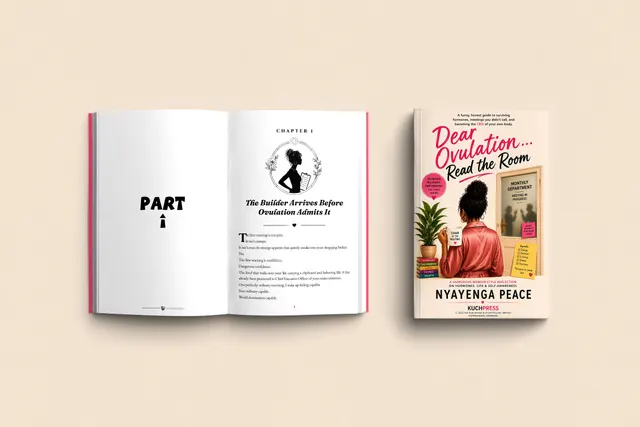
Books we have set
Open a book to see its cover and the pages inside.

Can you fix a file that KDP rejected?
Yes. We repair rejected print and ebook files, and help you through the next upload.
Do you also prepare files for IngramSpark?
Yes. Print files are made ready for both Amazon KDP and IngramSpark.
What does KDP need to print spine text?
At least 79 pages. The spine width then depends on the page count and the paper type.
Your first pages, typeset free
Send your manuscript and see your own pages set before anything is agreed. Every book gets a fixed written quote before any work starts.