Fixing print and EPUB files that KDP or IngramSpark rejected
If Amazon KDP or IngramSpark has rejected your file, send it. TintaPress finds what failed, repairs the file in Adobe InDesign and helps you through the upload.
What goes wrong first
These are the reasons authors bring this work to us.
- The rejection message does not say what to changeIt names a rule, not the page or the cause.
- The tool or person that made the file cannot fix itThe file comes back the same, or with a new error.
- Each fix seems to break something elseMoving one margin changes every page after it.
How a repair starts
EPUB files fail for their own reasons. An ebook made by a converter can carry broken links, a table of contents that points nowhere, or code a Kindle cannot read. We check EPUB files with EPUBCheck, the standard checker for the format, and fix each error before you upload.
Send the file and the rejection message from Amazon KDP or IngramSpark. The message names a rule. Our job is to find where in the file that rule is broken.
Often the cause is not where the message points. A margin warning can come from one page with a picture that runs too close to the edge. A font warning can come from one word in an unusual style. We check the whole file, repair it in Adobe InDesign, and send back a corrected file.
If the original was made in Word, we rebuild the pages in InDesign. If it was made in InDesign, we work from your package, so the repair keeps your design. Then we help you through the next upload.
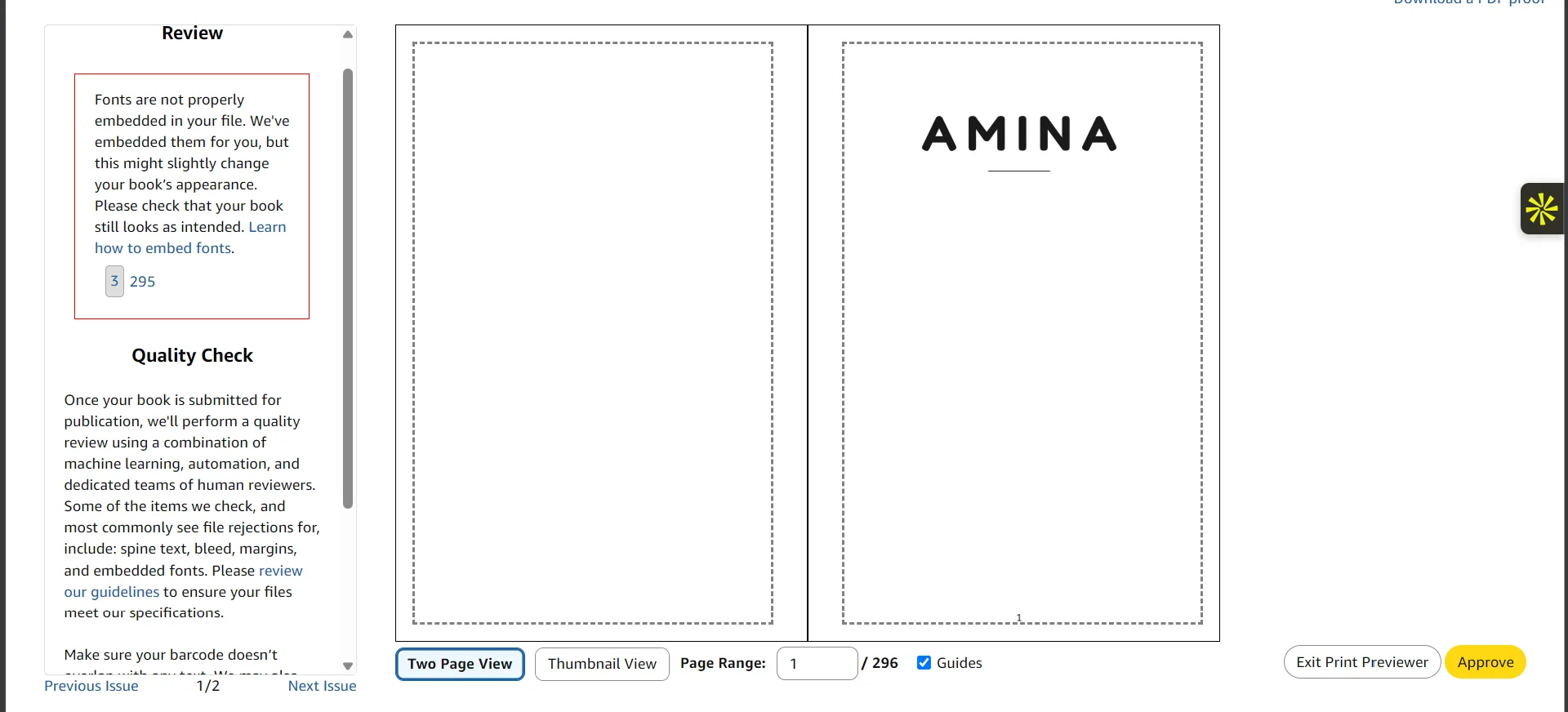
On our screen
A real screenshot from a book we worked on, not a mockup.
KDP Print Previewer
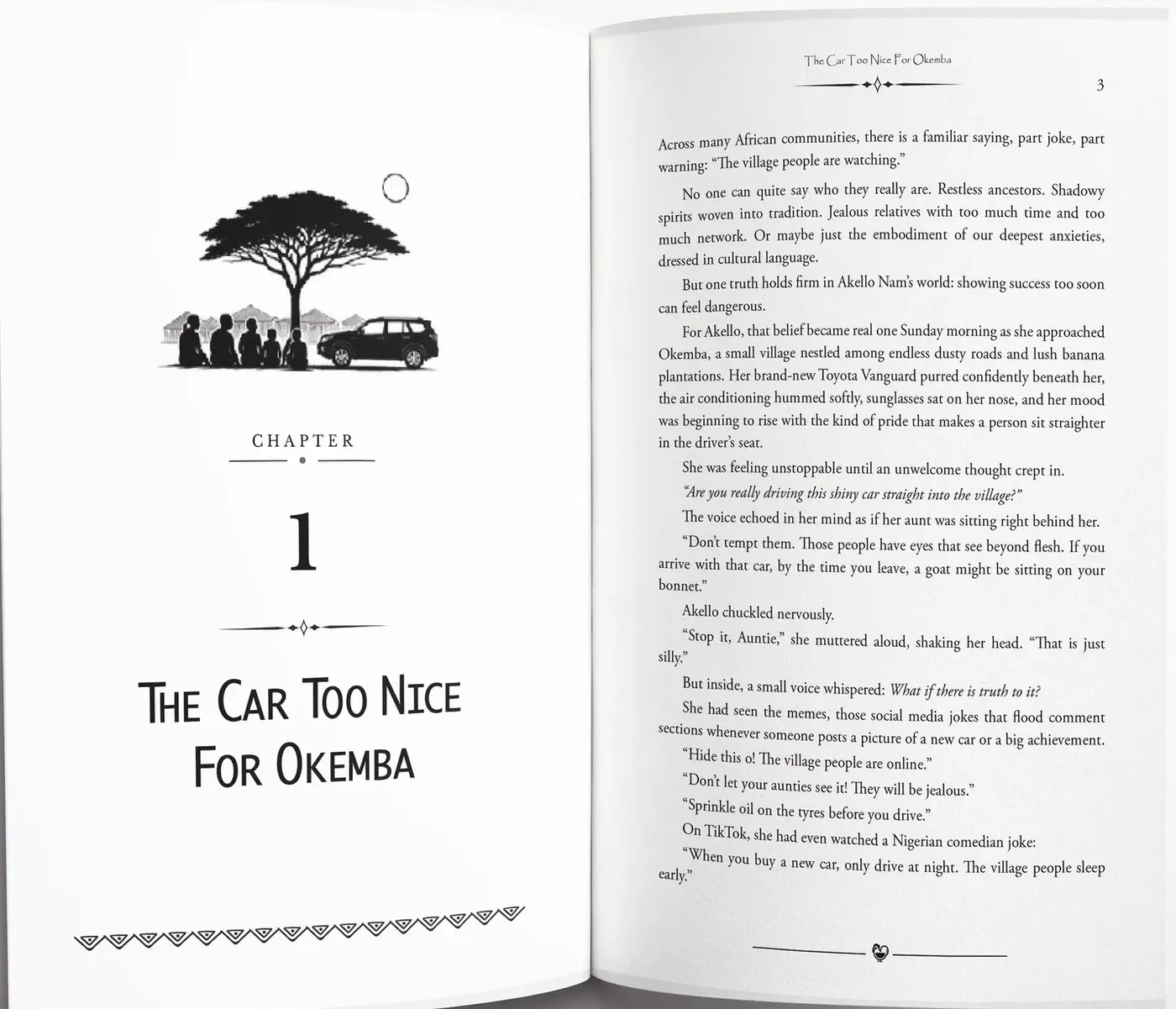
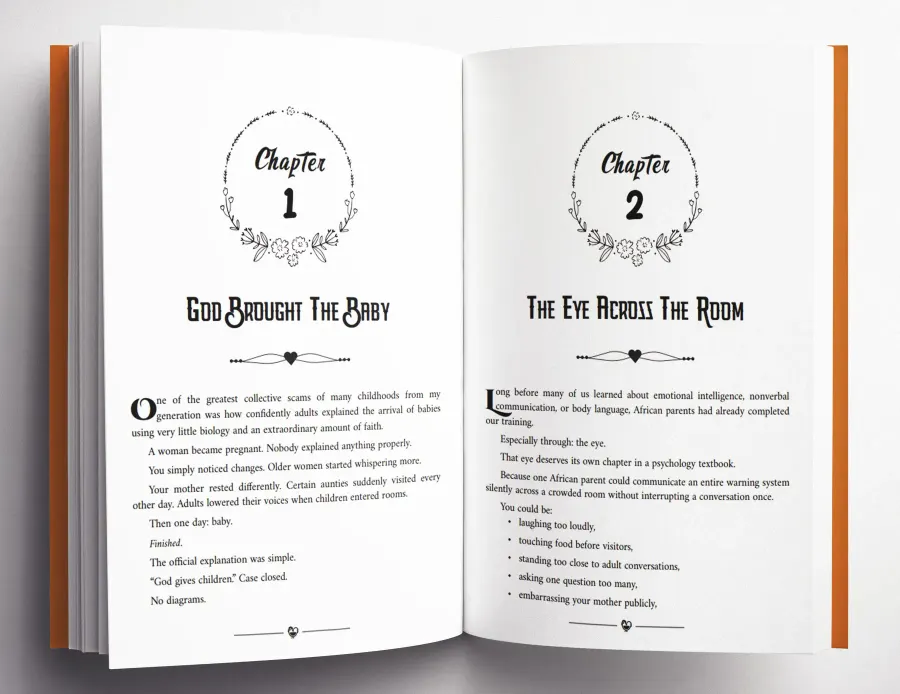
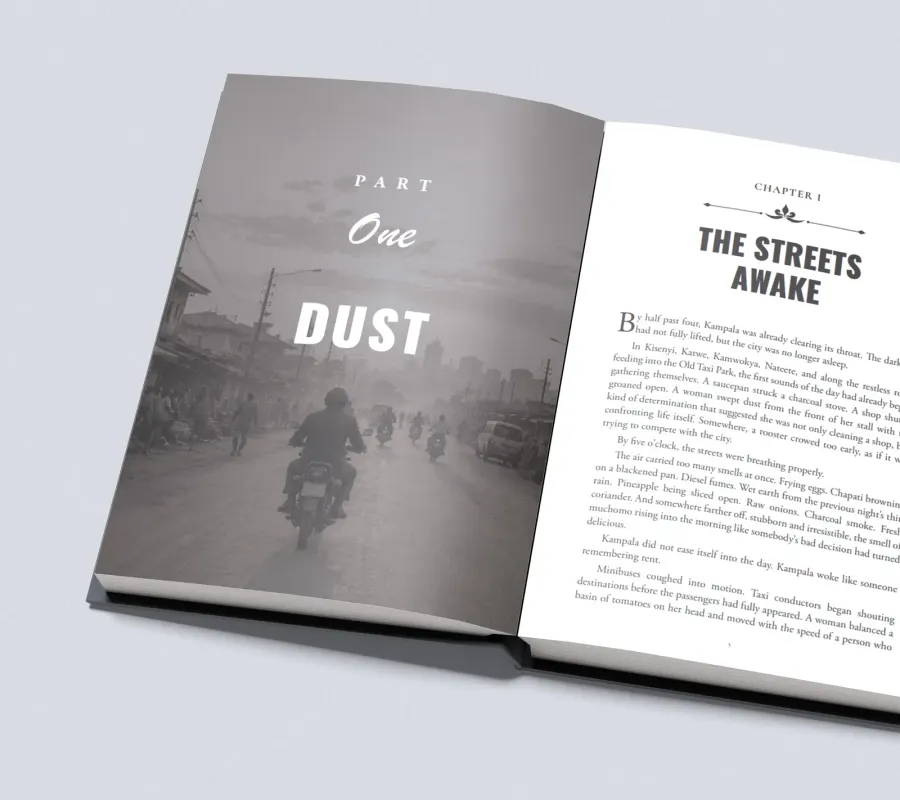
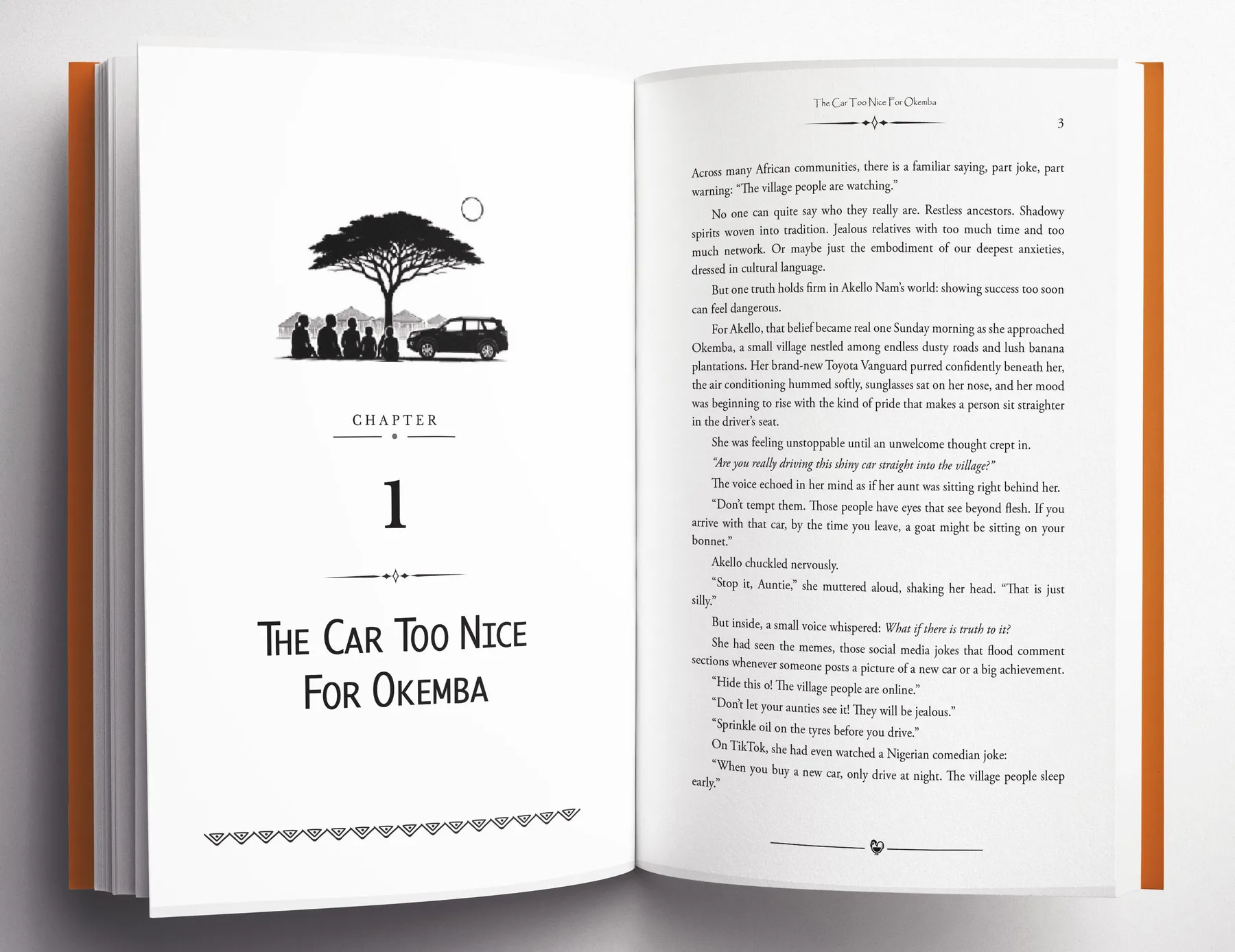
More pages we have set
Real pages from books we have typeset in Adobe InDesign.
What you receive
- A check of your file against the message you received
- Corrected print or ebook files
- Guidance through the upload
- Help with upload errors and small corrections for 30 days
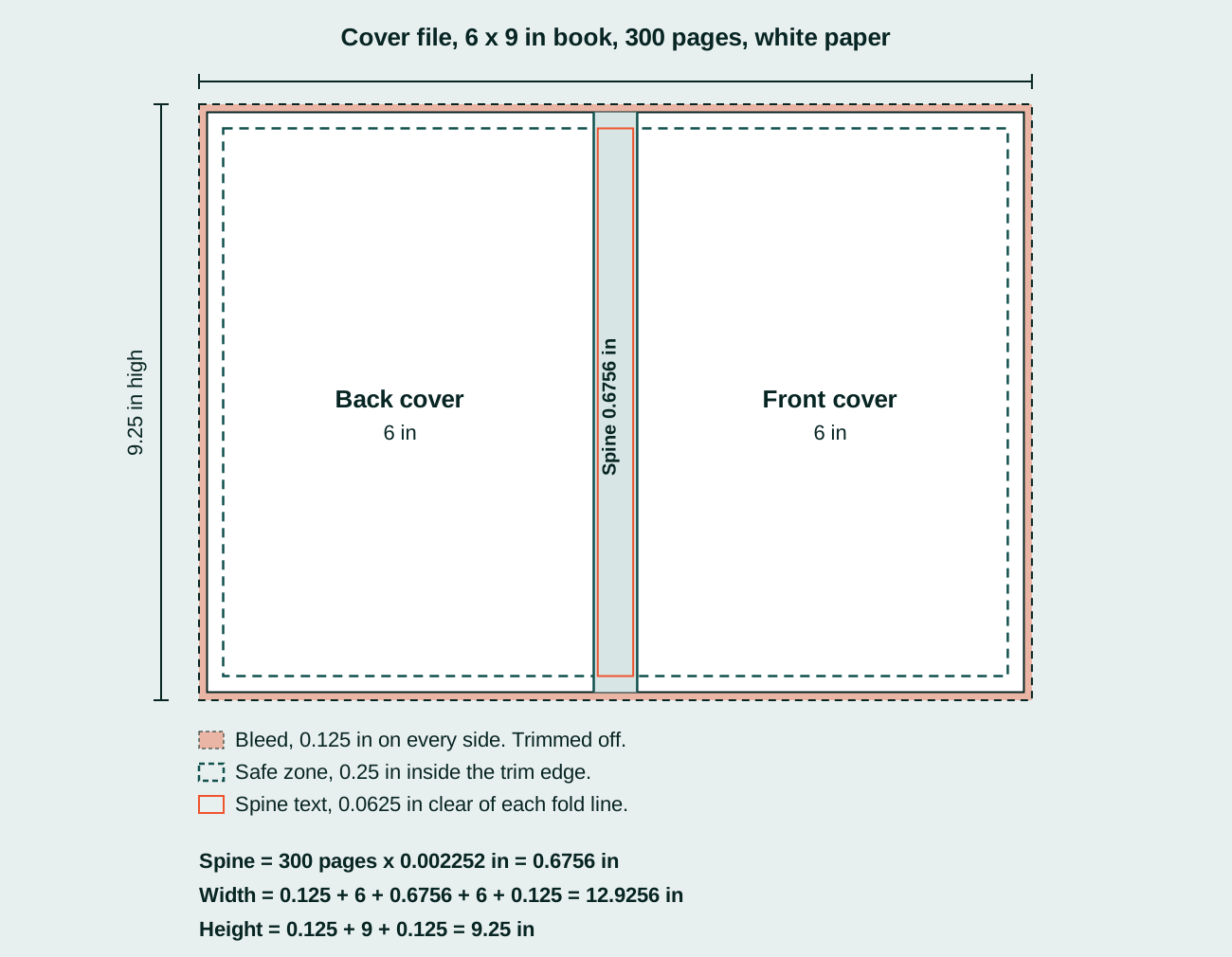
The numbers, drawn out
A diagram from our guide, using KDP’s own figures.
Books we have set
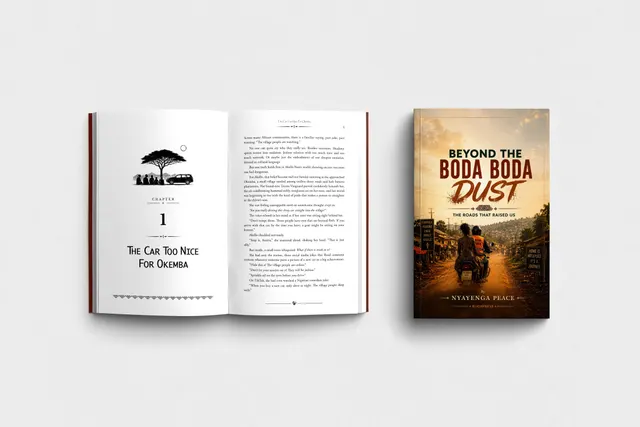
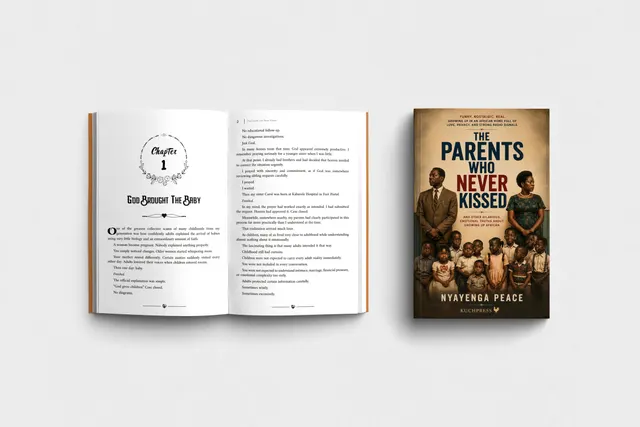
Open a book to see its cover and the pages inside.

What do I send?
The file that was rejected, the message from Amazon KDP or IngramSpark, and the manuscript if you have it.
Do you repair ebook files too?
Yes. We repair print files and Kindle or EPUB files.
Can you fix an EPUB that fails EPUBCheck?
Yes. Send the EPUB and the error list from EPUBCheck or the retailer. We fix each error and check the file again before it goes back to you.
Do I need to send the original InDesign file?
No. If you have one, send it and we will work from it. If the file came from Word, we rebuild the pages in Adobe InDesign.
Your first pages, typeset free
Send your manuscript and see your own pages set before anything is agreed. Every book gets a fixed written quote before any work starts.