Workbook and guided journal design
TintaPress lays out workbooks and guided journals in Adobe InDesign: exercises, writing space, tables and section dividers, set the same way on every page.
What goes wrong first
These are the reasons authors bring this work to us.
- A long workbook is hard to keep consistent in Canva or WordEach page is adjusted on its own, so spacing and styles drift.
- Writing space has to work on paperLines, boxes and margins need room for a pen and for the binding.
- The print file needs bleed and the right trim sizeA file that looks right on screen can still be refused by the printer.
Pages that people write on
A workbook is used with a pen, so the page has to leave room for one. We set writing lines and boxes at a size that suits handwriting, keep the inside margin wide enough that nothing is lost in the binding, and repeat the same layout on every exercise page, so the reader always knows where to look.
Tables, checklists and exercises are set in Adobe InDesign, not pasted in as pictures. They stay sharp when printed, and a single cell can be corrected without rebuilding the page. If your workbook started in Canva or Word, send it as it is.
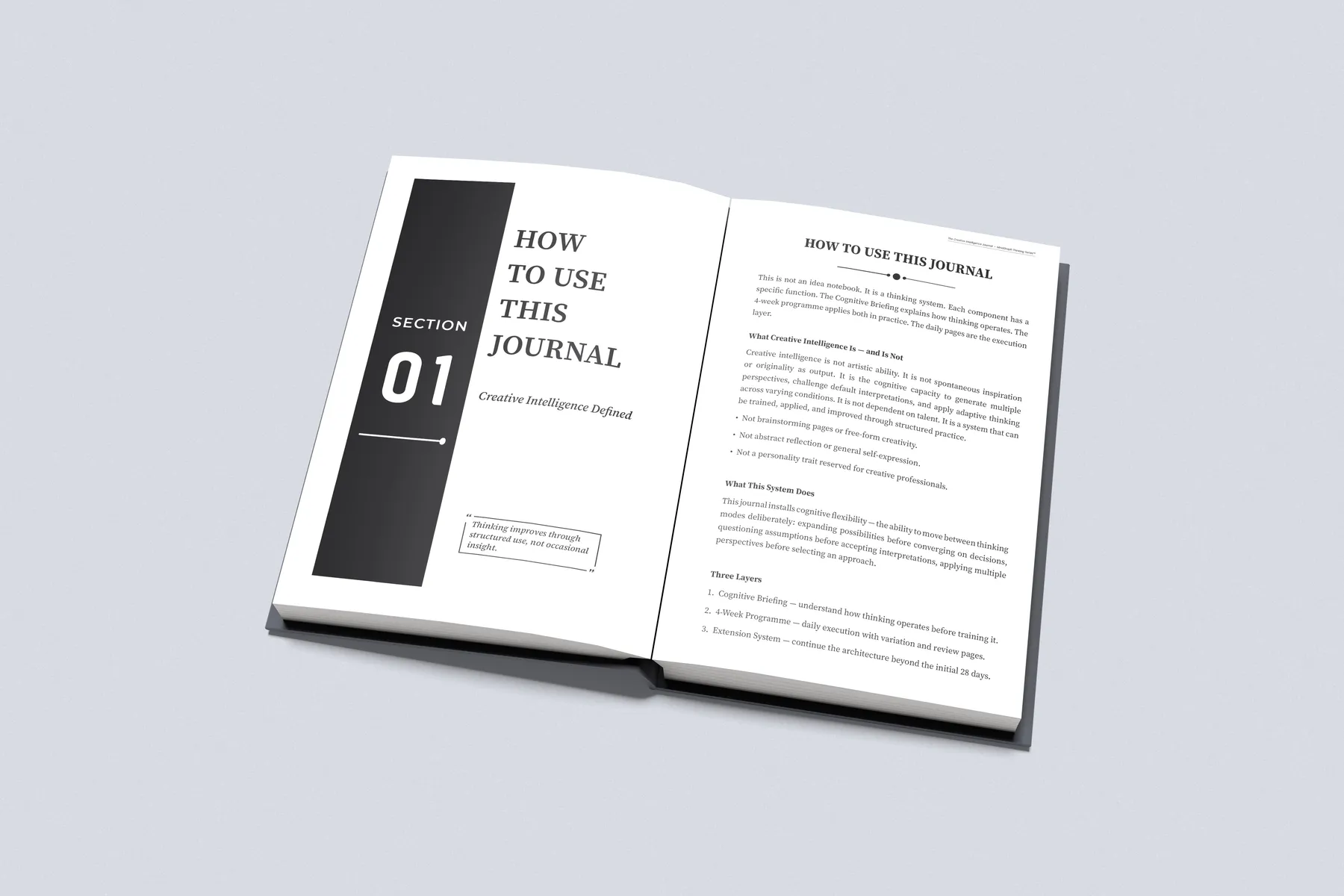
Guided journals follow the same rules, with section dividers and a how-to-use page at the start.
Low-content books, such as journals, planners and logbooks, follow the same rules as a workbook. The page is mostly ruled space, so the margins, the line weight and the gutter matter more, not less.
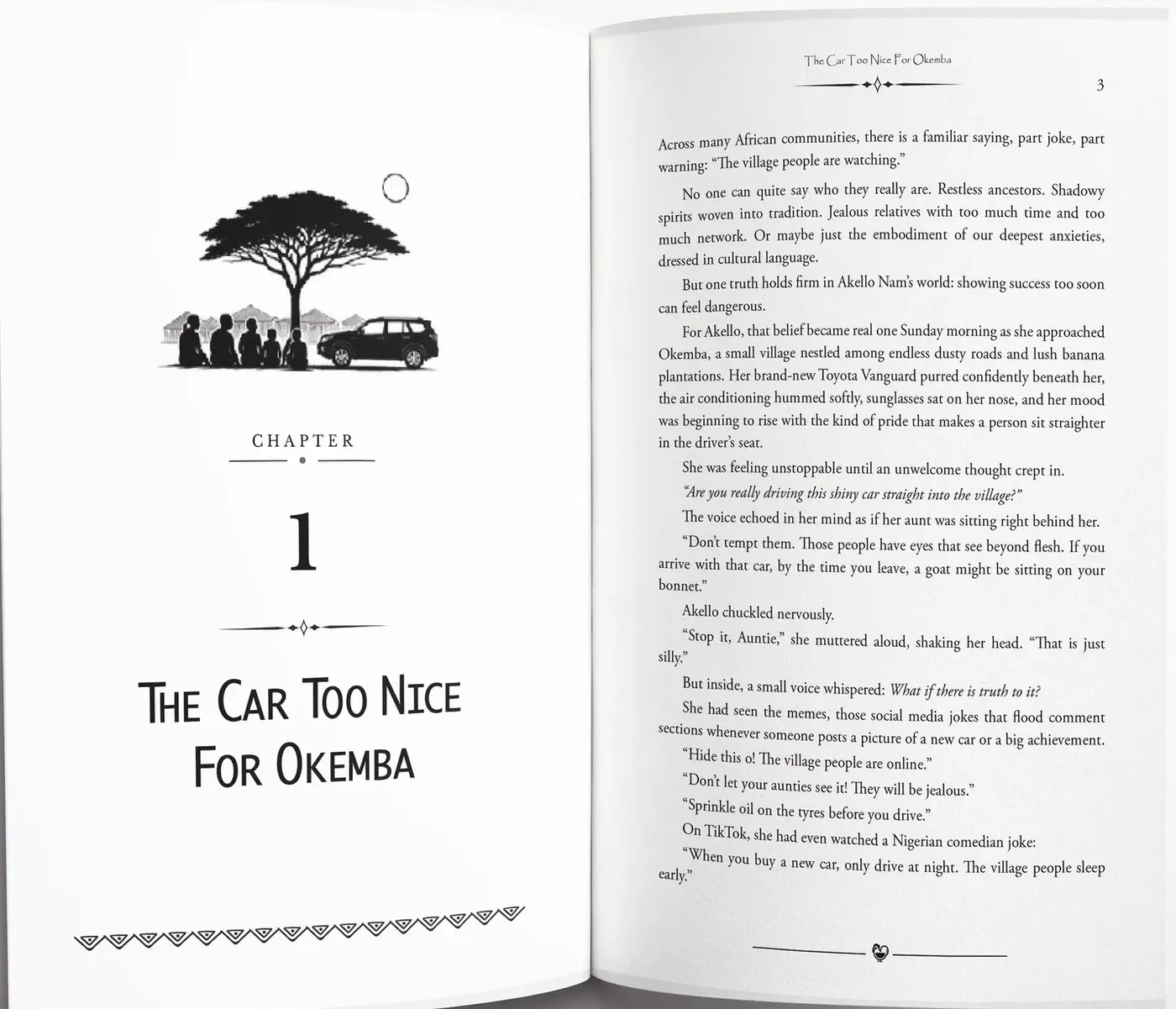
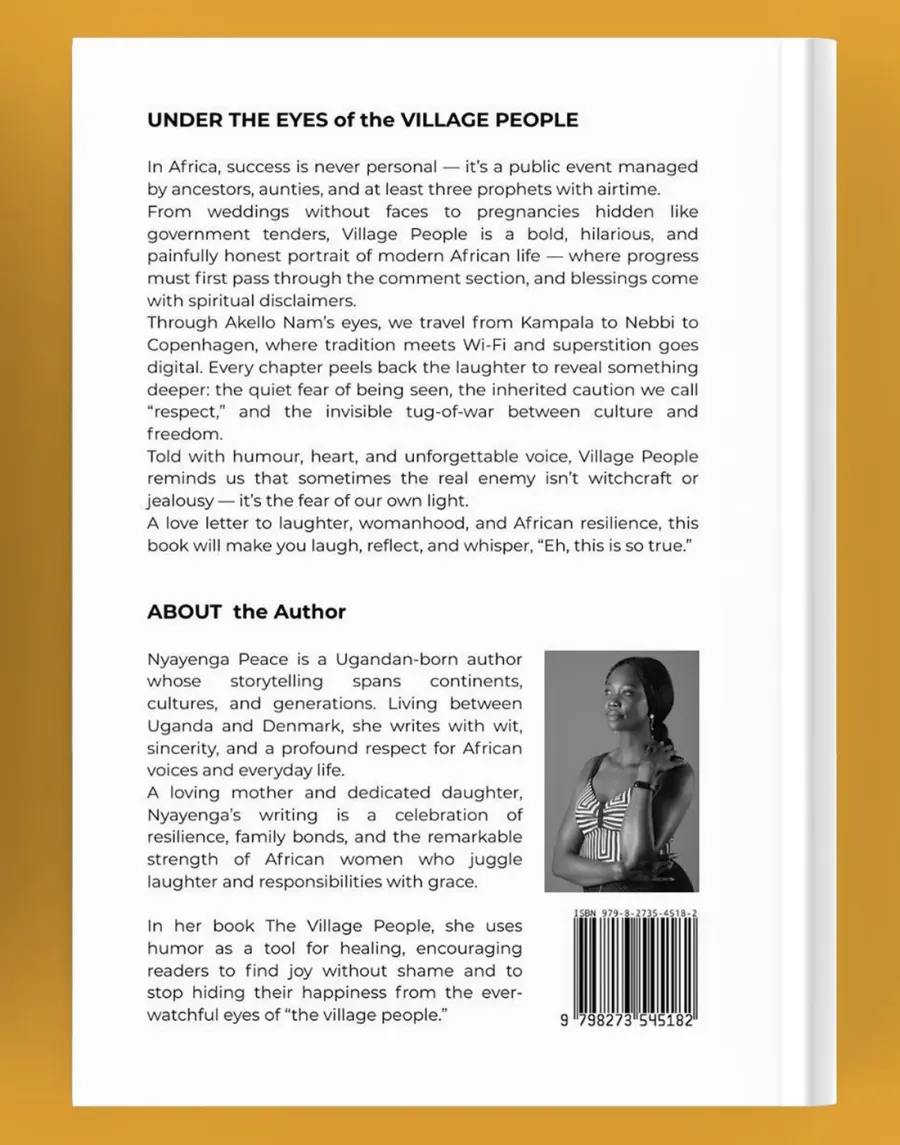
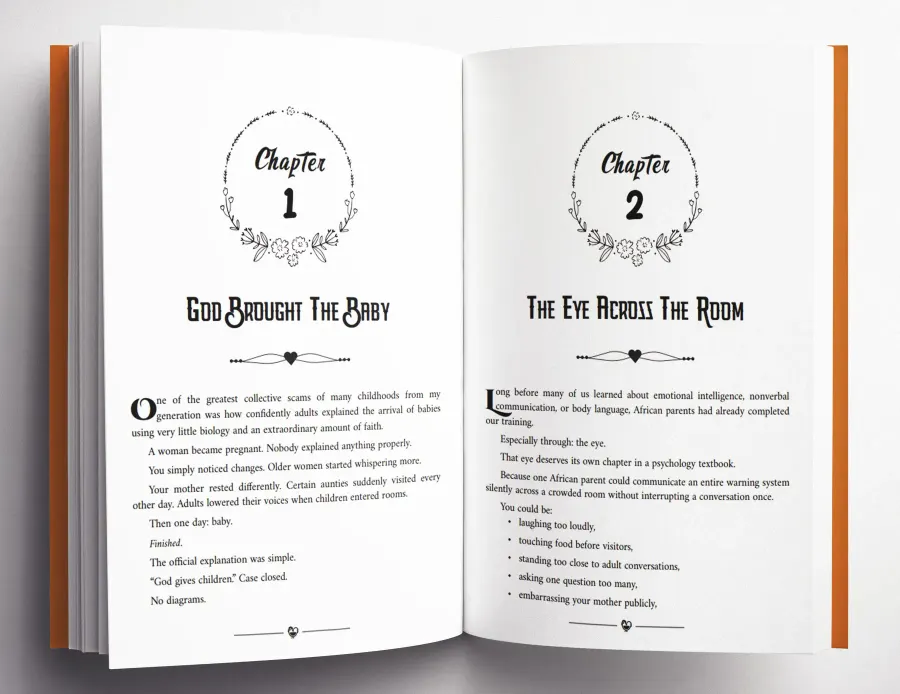
More pages we have set
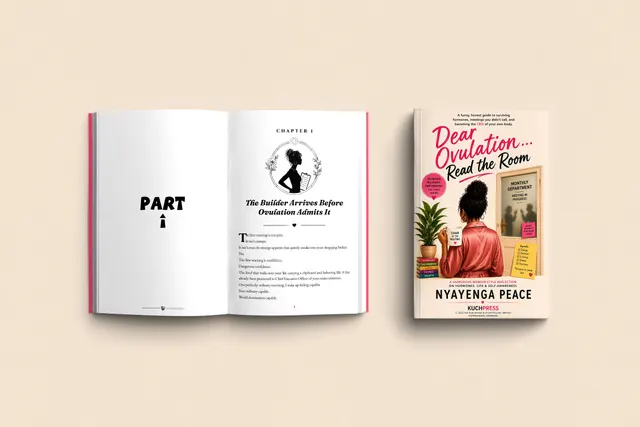
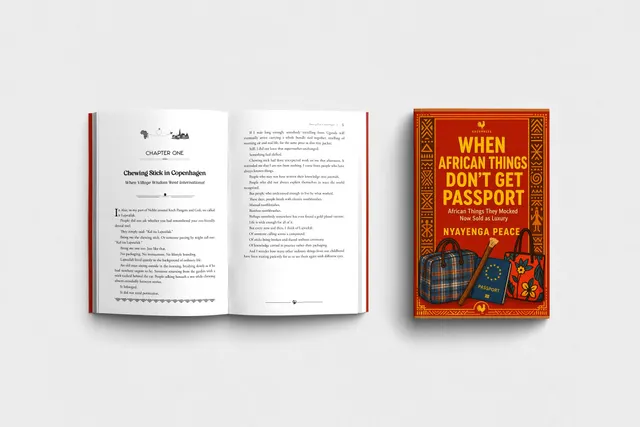
Real pages from books we have typeset in Adobe InDesign.
What you receive
- A page design for exercises, prompts and writing space
- Section dividers and how-to pages
- Tables and checklists set by hand
- A print-ready file for Amazon KDP or IngramSpark
- Proofs for your corrections, then 30 days of help after delivery
Books we have set
Open a book to see its cover and the pages inside.

What do I send?
Your manuscript as a Word file, or a file another tool produced. Tell us the kind of book, the word count, what it contains and where you plan to publish.
Can you work from a Canva or Word draft?
Yes. Send what you have. We rebuild the pages in Adobe InDesign.
Can you set writing lines and boxes?
Yes. We set writing space, tables and checklists by hand in Adobe InDesign.
Your first pages, typeset free
Send your manuscript and see your own pages set before anything is agreed. Every book gets a fixed written quote before any work starts.