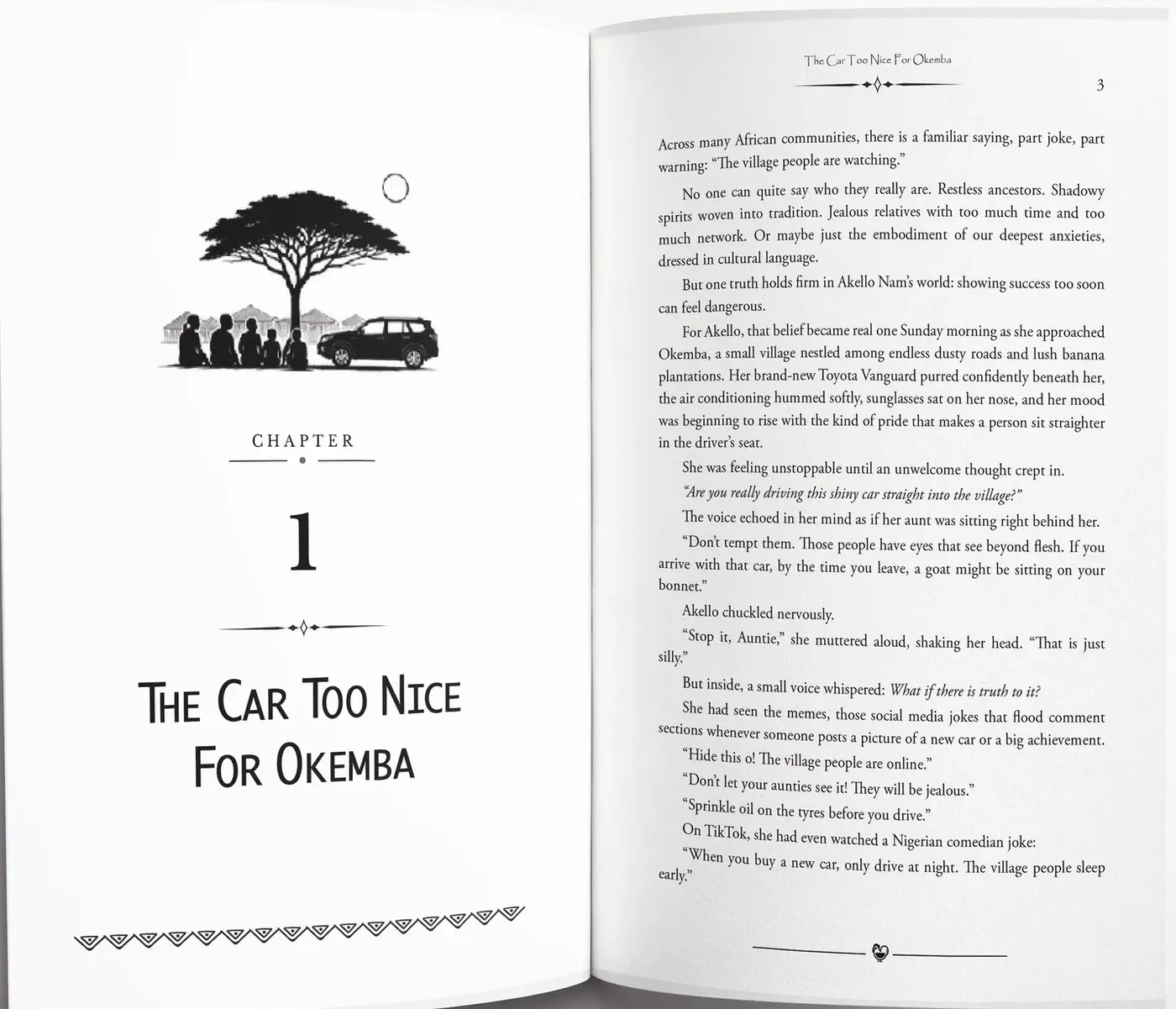
Book cover design, with the spine measured
TintaPress draws covers in Adobe Illustrator: front, spine and back in one print file, with the spine width calculated for the final page count.
What goes wrong first
These are the reasons authors bring this work to us.
- A spine that is slightly out can get the cover refusedThe width has to match the page count of the finished interior.
- The cover was designed before the page count was knownTypesetting changes the number of pages, and the spine with it.
- The back cover has no room for the barcodeThe description, the author note and the barcode all need a place.
A cover is one flat file
A printed cover is a single flat file that wraps around the book: back cover, spine and front cover, with bleed on every edge. We draw it in Adobe Illustrator at the exact size your printer needs.
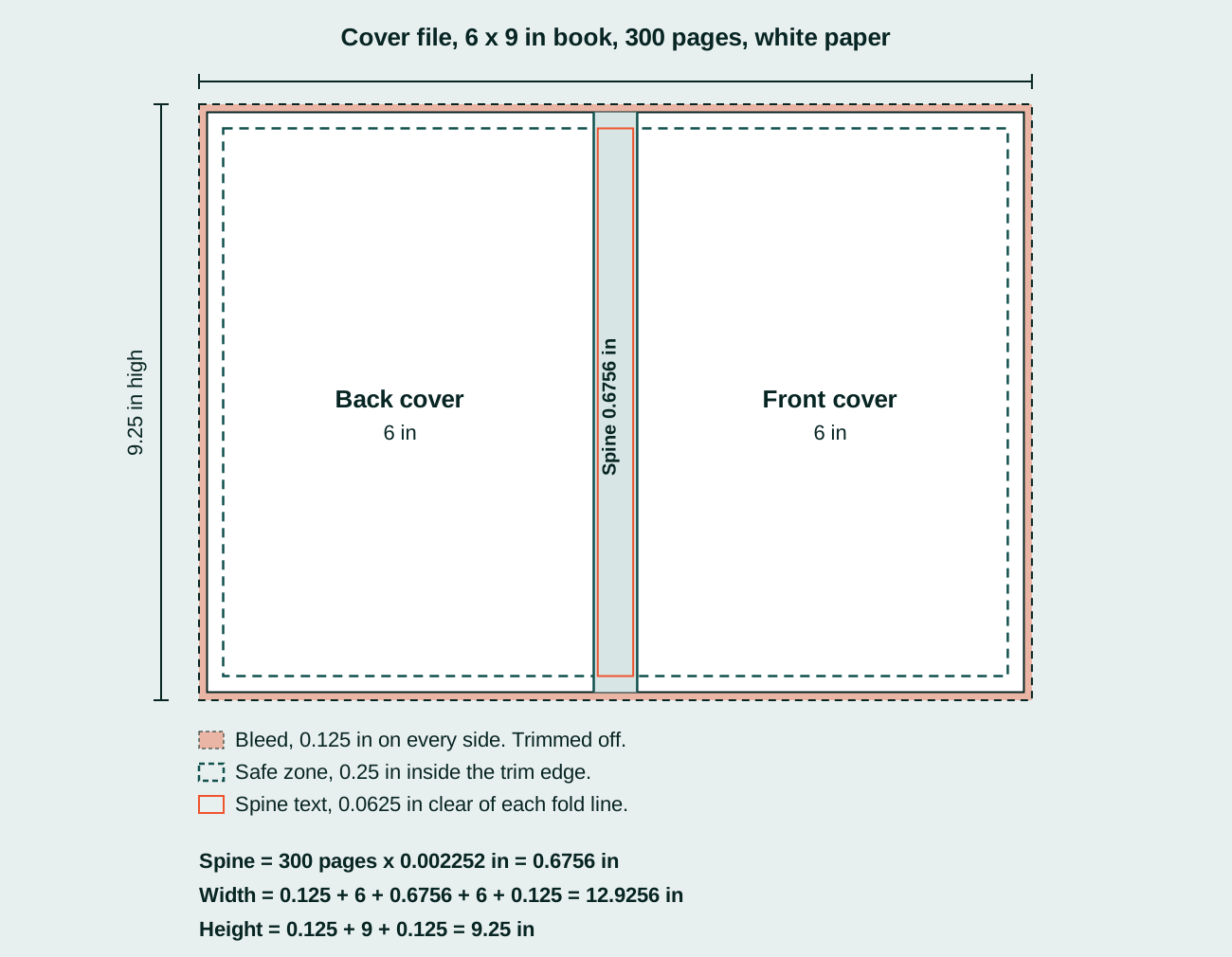
Spine width comes from the final page count and the paper type. That is why we like to finish the interior first. If a page is added after the cover is made, the spine is wrong and the file can be refused.
The back cover carries the description, the author note and a panel for the barcode. We leave the space for it from the start, so nothing is squeezed in at the end.
The cover wrap is the whole sheet: back cover, spine and front cover on one file. For Amazon KDP we start from KDP’s own cover template, with the page count and paper type of your book, so the fold lines are KDP’s and not ours.
On our screen
A real screenshot from a book we worked on, not a mockup.
Adobe InDesign
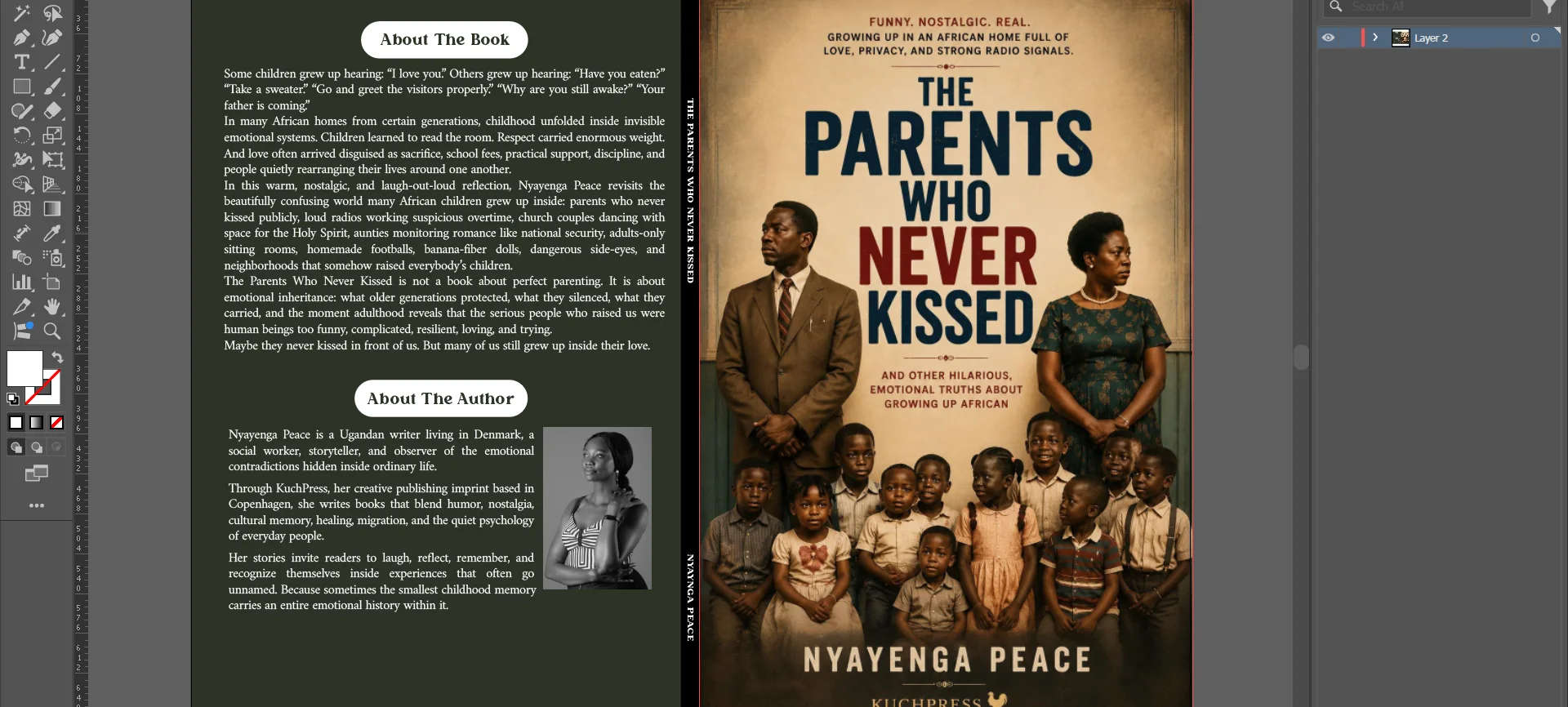
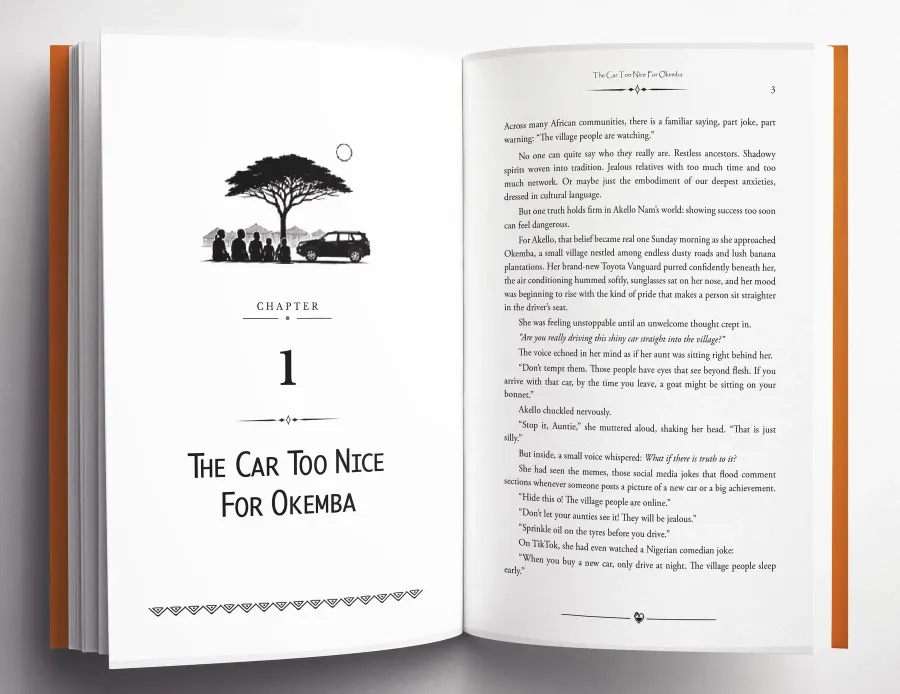
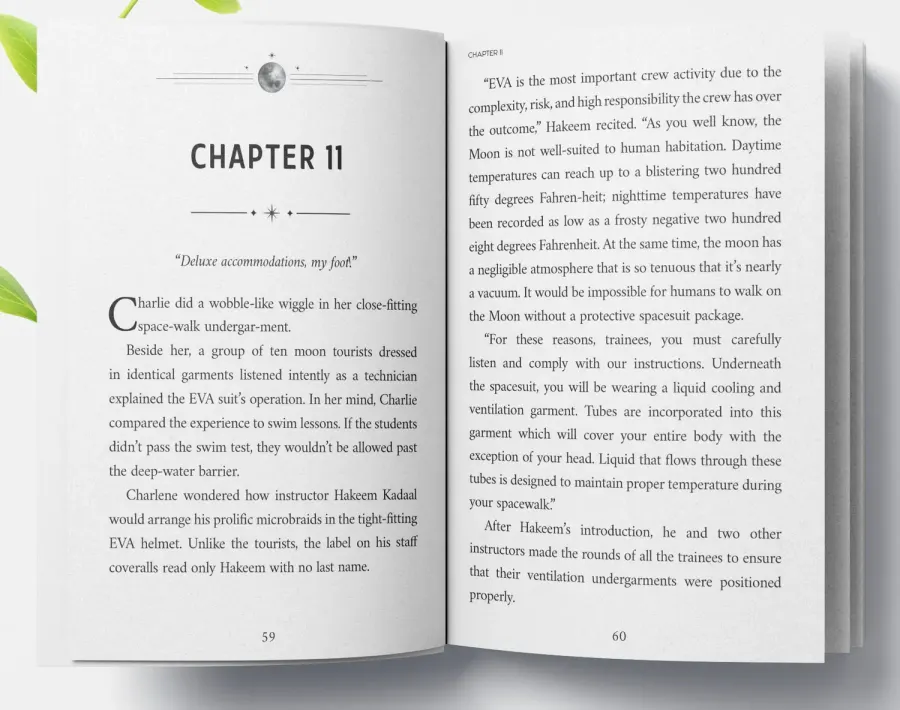
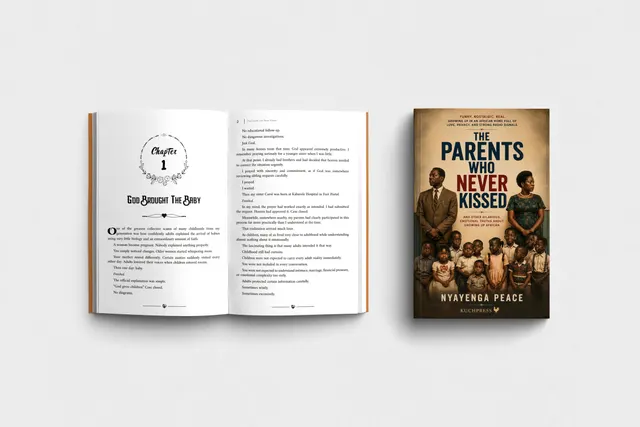
More pages we have set
Real pages from books we have typeset in Adobe InDesign.

What you receive
- Front, spine and back in one print-ready file
- The spine width calculated for the final page count
- A back cover with the description, the author note and room for the barcode
- Proofs for your corrections before the final file
- 30 days of help with uploads and small corrections
The numbers, drawn out
A diagram from our guide, using KDP’s own figures.
Books we have set
Open a book to see its cover and the pages inside.


Can you design the cover and the interior together?
Yes. When we do both, the spine is measured from the finished interior.
Which software do you use for covers?
Covers are drawn in Adobe Illustrator.
Do you design only the front cover, or the full wrap?
The full wrap: front, spine and back in one print file.
Your first pages, typeset free
Send your manuscript and see your own pages set before anything is agreed. Every book gets a fixed written quote before any work starts.