What Vellum and Atticus are good at
Both are formatting tools for authors. You paste in your manuscript, pick a style, and export files for print and Kindle. For a novel they do the job quickly.
Authors who use them say so plainly. In a Reddit thread on what people pay for formatting, one of the most upvoted answers was: “I purchased Vellum years ago and ever since then, $0.” (source) Another author, replying to someone quoted $2,000 for an interior, wrote that “a basic layout like 90% of novels have on Amazon can be done in under an hour with Vellum.” (source)
They are right. If your book is chapters of running text, use one of these tools. Vellum runs on a Mac only. Atticus runs in a browser.
Where they stop
The same authors are just as clear about the limit. Asked whether Vellum or Atticus support tables, one replied:
Both Vellum and Atticus are kind of one-purpose formatters. They do one thing really well: format novels. Novels that are purely text… If you have any tables, charts, images, lists, etc, then you need more sophisticated formatting software. (source)
Another, in the same thread, described the workaround: “I have to take pictures of the table and insert that instead. Weird and frustrating.”
A picture of a table cannot be searched, does not resize on a Kindle and often prints soft. It is a sign the book has outgrown the tool.
The books that need typesetting
A book needs to be typeset by hand when the page itself carries meaning, not only the words:
- Tables, charts and figures that must sit beside the text that explains them
- Footnotes or endnotes
- Exercises, checklists and writing space, as in a workbook or guided journal
- Pictures and illustrations, as in a children’s book
- Part dividers, pull quotes or callout boxes
This work is done in Adobe InDesign. It is page layout software, the kind publishers use, and every page is set by a person. It can place a table exactly, keep a figure with its caption, and make page 12 and page 212 match.
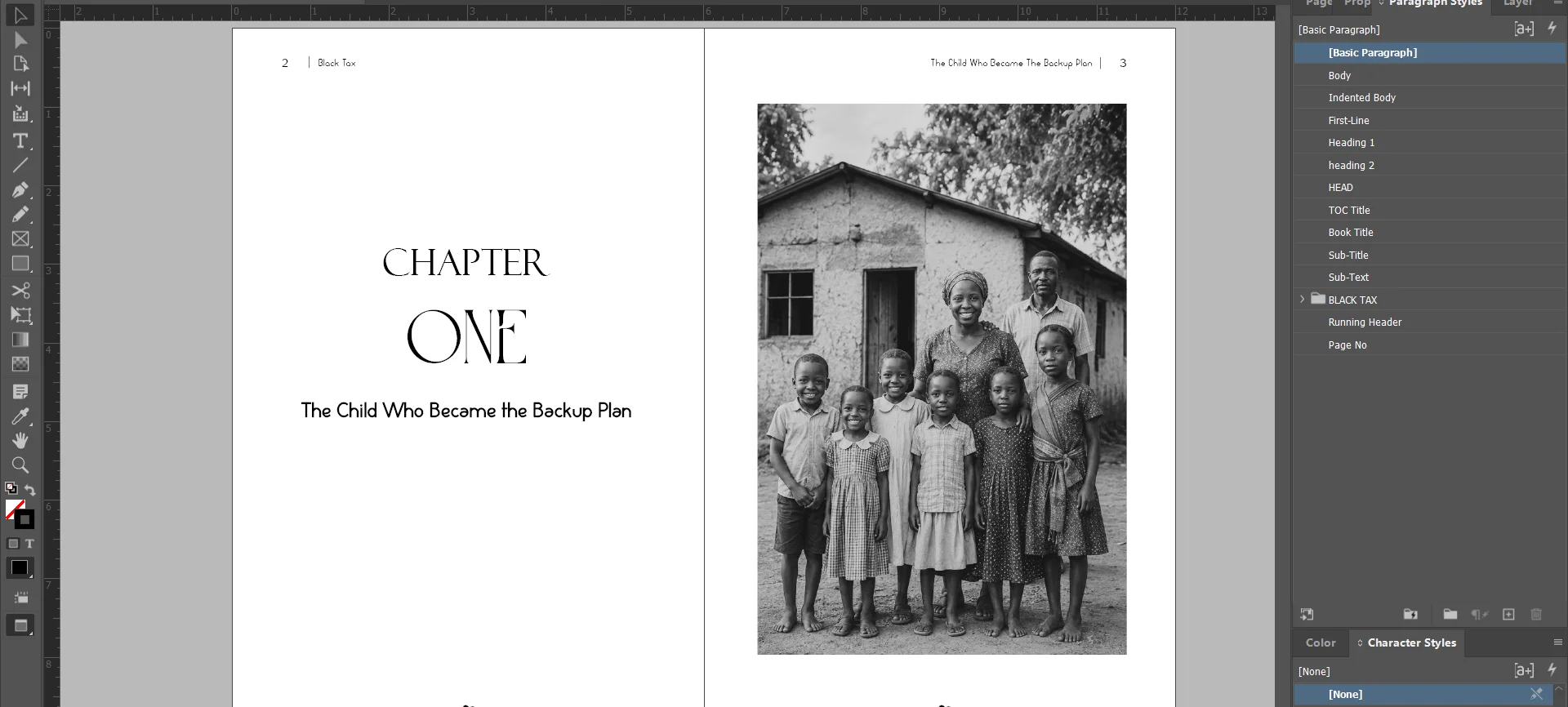
That is a chapter opening from one of our books, open in InDesign. The photograph sits on its own page, sized to the margins and lined up with the title opposite.
Three questions to decide
- Is the book only text? If yes, use Vellum or Atticus.
- Do you want to learn the software? Formatting your own print file means trim size, margins and gutter, bleed and embedded fonts. One author called it this way: “Formatting sounds simple until you actually try to make a print-ready file.” (source) Some authors enjoy that. Others would “rather spend my energy actually writing instead of fighting tools.” (source)
- Does the book have anything from the list above? If yes, it needs InDesign, either in your hands or someone else’s.
If you hire someone
Ask to see inside pages they have set, not only covers. Ask what happens when you find a typo after delivery. And ask for a sample of your own pages before you pay.
TintaPress typesets books by hand in Adobe InDesign and sets a free sample of your own pages first. For a plain novel, we will tell you to use a tool.